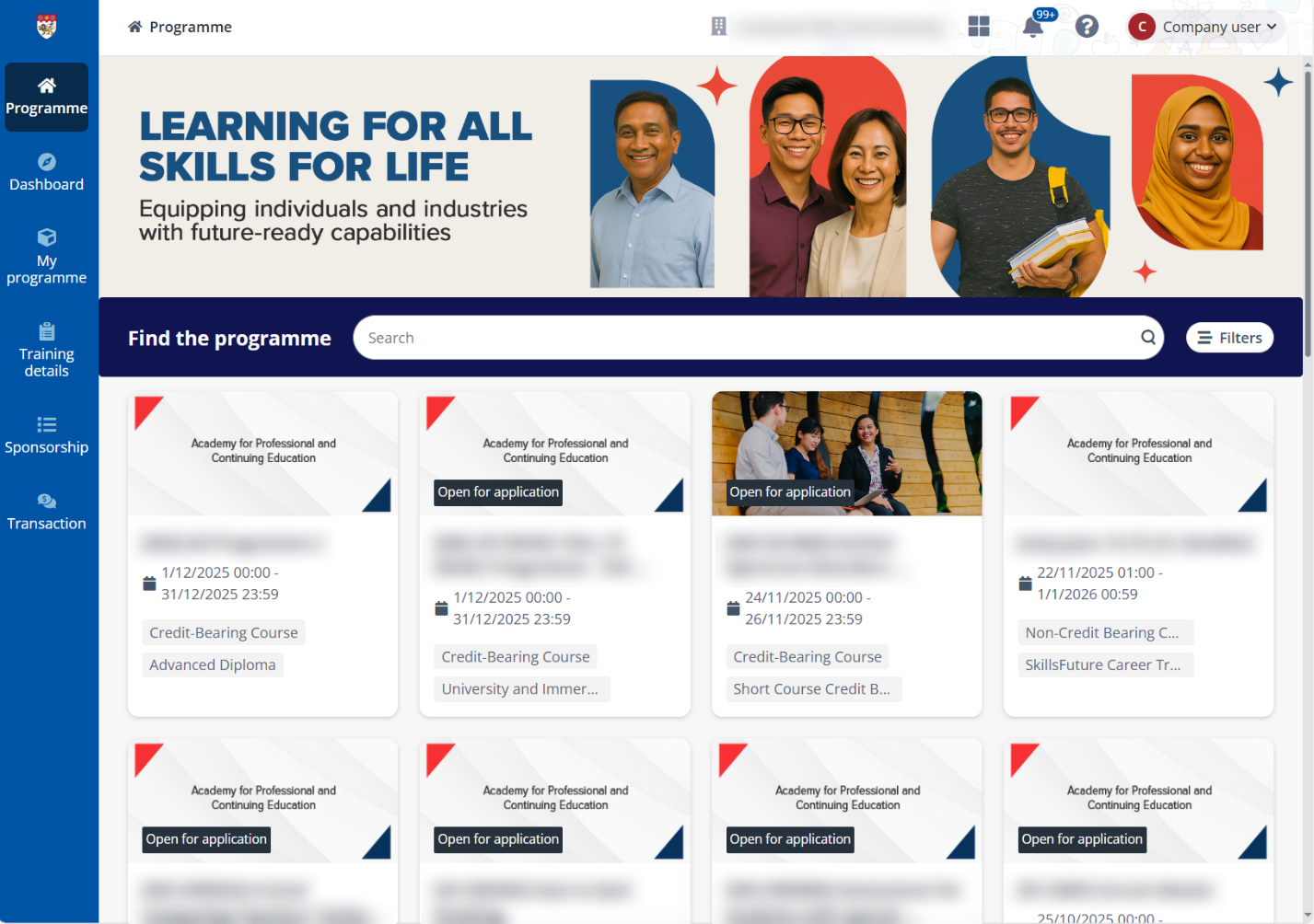
To apply programme for your employees via company portal, click Programme on the left navigation pane to view all programmes from the training providers on the Programme page.
Company portal displays the following types of programmes that are available for companies to sponsor and apply, including:
•Public programmes – The programmes that are applicable for everyone inside or outside the company.
•Corporate programmes – The programmes that are only visible and available for application across the company.
You can use the Only display programmes open for application and Only display programmes open for company options in the filter to quickly view the programmes in the application period and available for your company.
Refer to the following sections to see how you can apply programmes for your employees in two different ways.