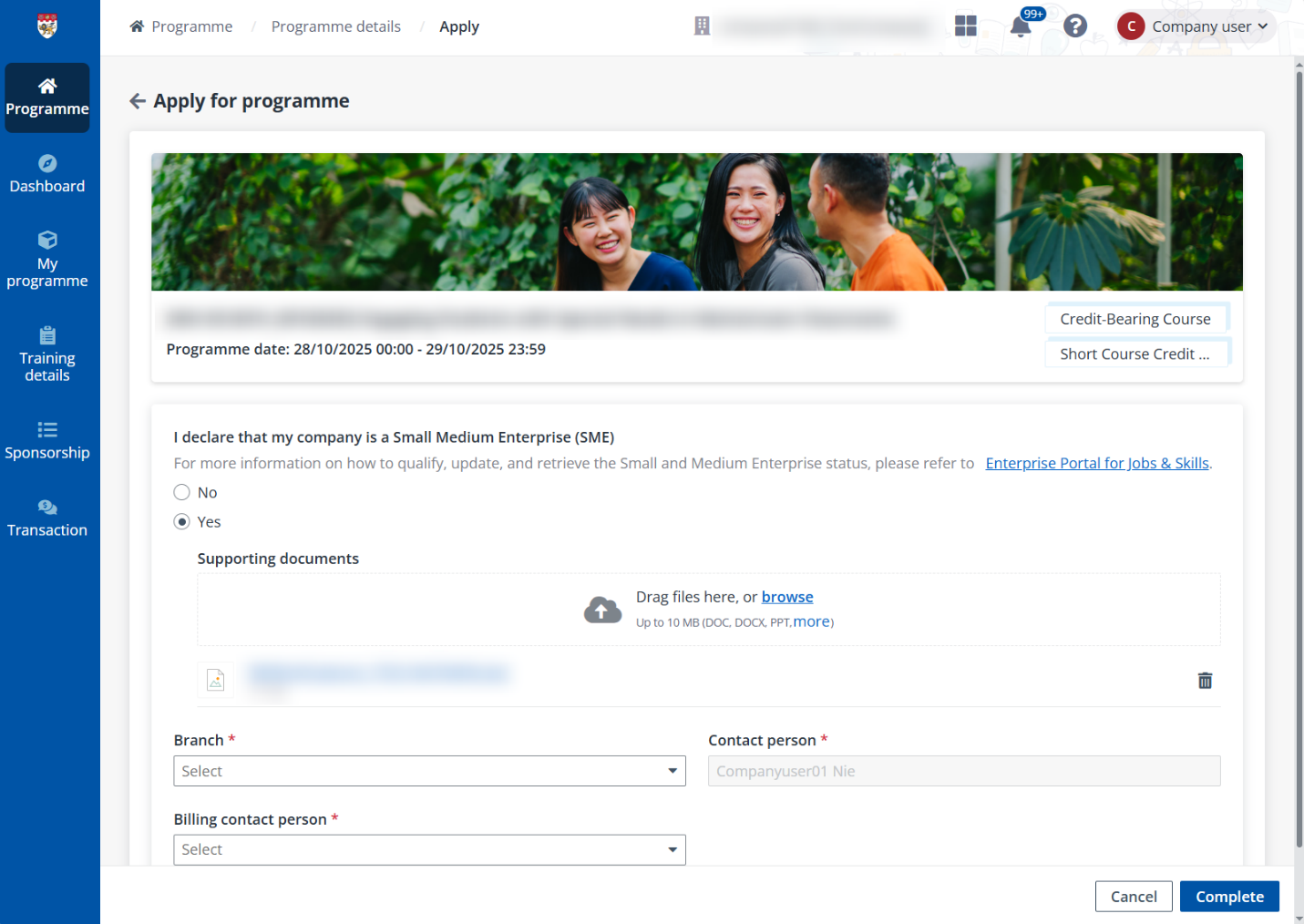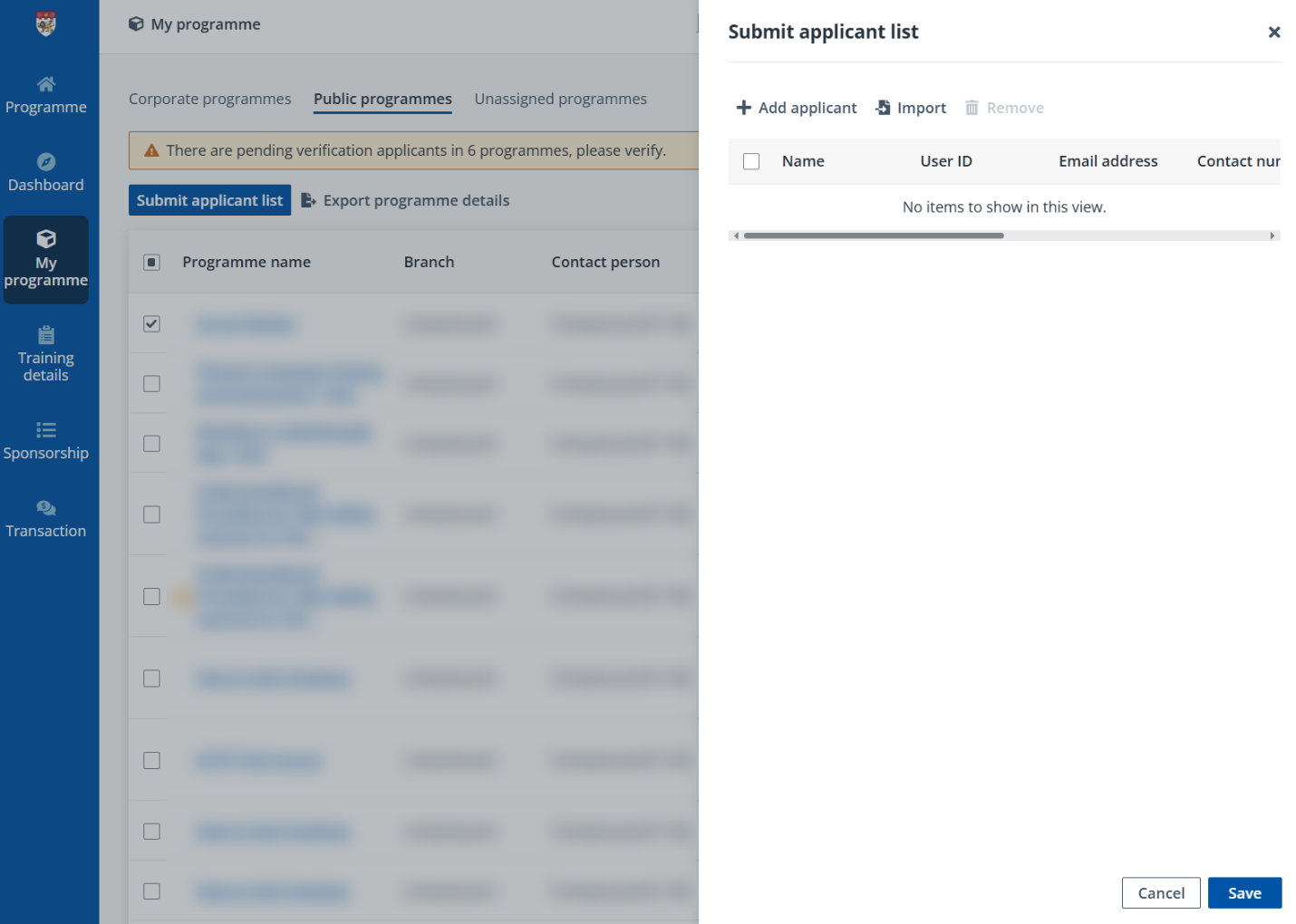
When you do not have the detailed profile and information of the employees that are required for the programme application, you can choose to generate a sponsorship link for a programme with which employees can register for the programme on the TMS learner portal. For more details on programme registration in learner portal, refer to User Guide for Learner.
To generate the application link for a programme, find the target programme that is open for application on the Programmes page and complete the following steps:
1. On the Programme page, click your target programme to go to the Programme details page.
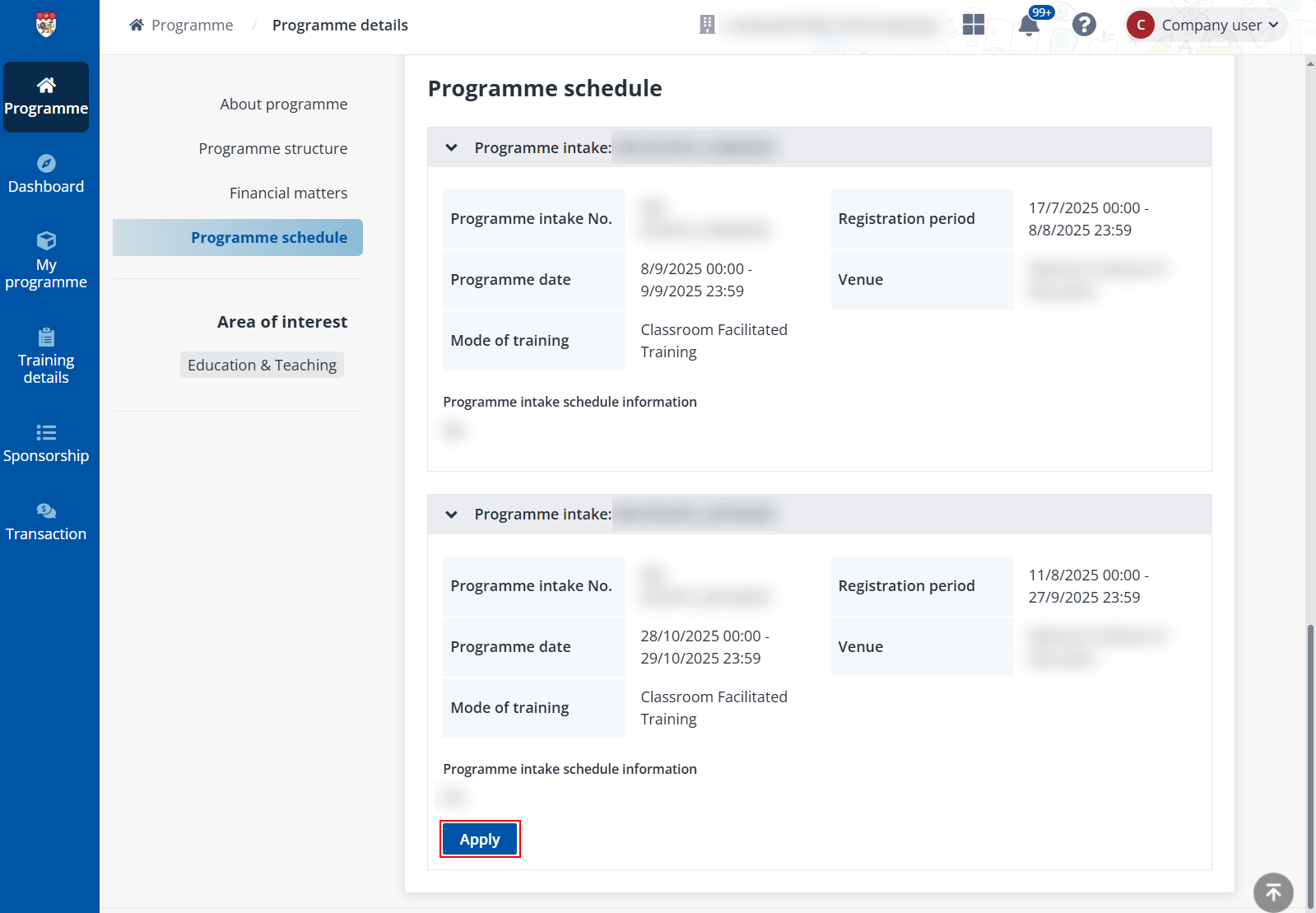
2. In the Programme schedule section, click Apply.
If you have not signed up or signed in to the system, a window will appear with a Sign in button. Click the button to proceed with the sign-up/sign-in process and you will be redirected back to the Programme details page upon completion. For more details on sign-up/sign-in, refer to Sign up and sign into company portal.
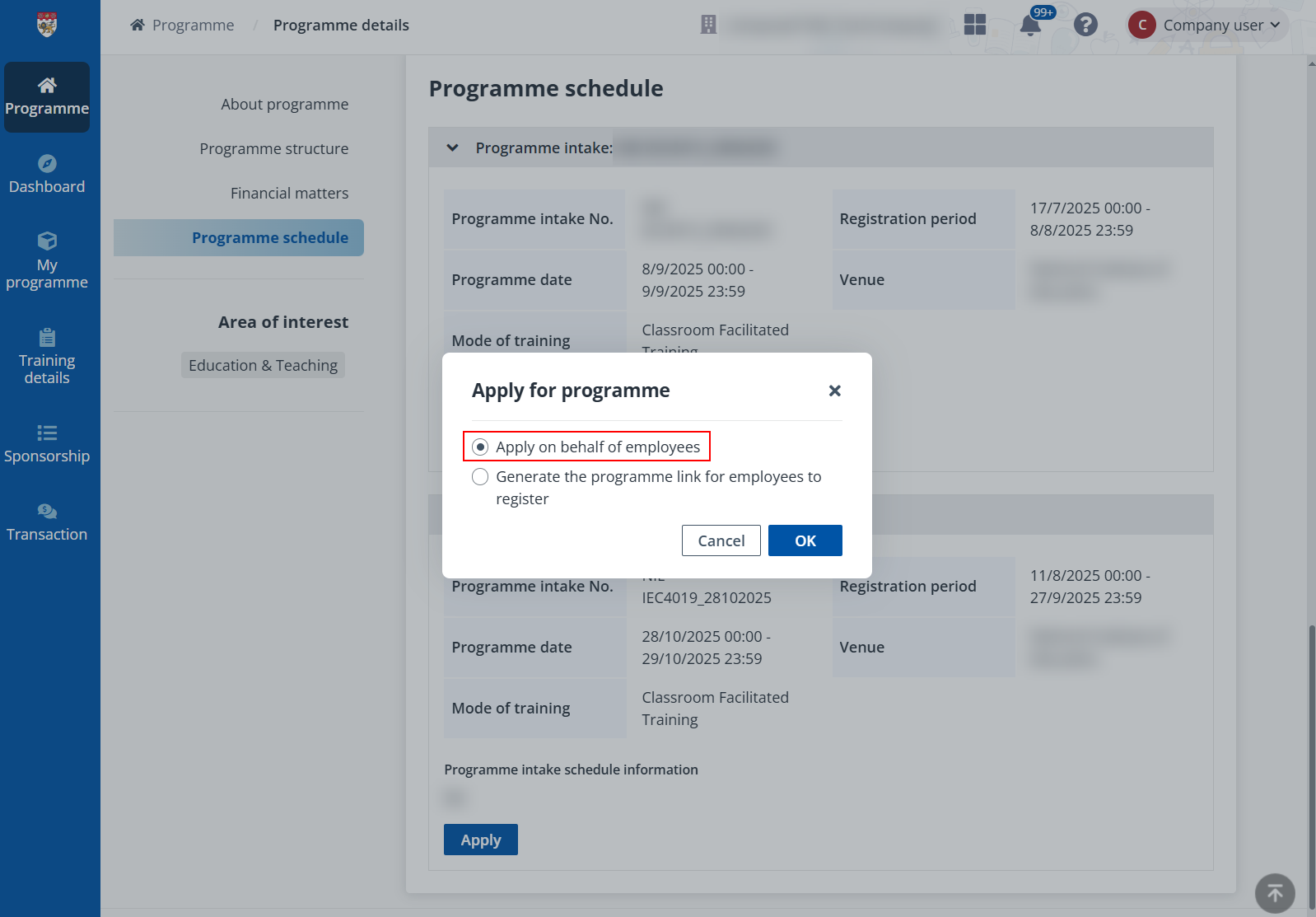
3. In the Apply for programme window, select Generate the programme link for employees to register and click OK.
4. On the Generate the programme link for employees to register page, indicate whether your company is a Small Medium Enterprise, define the maximum number of sponsored employees for this link, and select the branch and billing contact person for the branch of the sponsorship link.
5. When the programme has multiple courses within, select courses in the programme that your company sponsors.
6. After the configurations, click Generate. If the programme has supplementary fee, select whether your company will sponsor the supplementary fee of the programme as well.
7. After confirmation, a link is generated. Click Copy to copy the link and then send the programme link to the employees to apply for the programme via the link.
Note the following:
•Link expiration and expiration period (e.g., 30 working days) are configured by NTU administrators.
•The system applies a “whichever comes first” rule for link expiration. The link expires based on the earlier of:
o The configured link expiration period (e.g., 30 days)
o The registration end date.