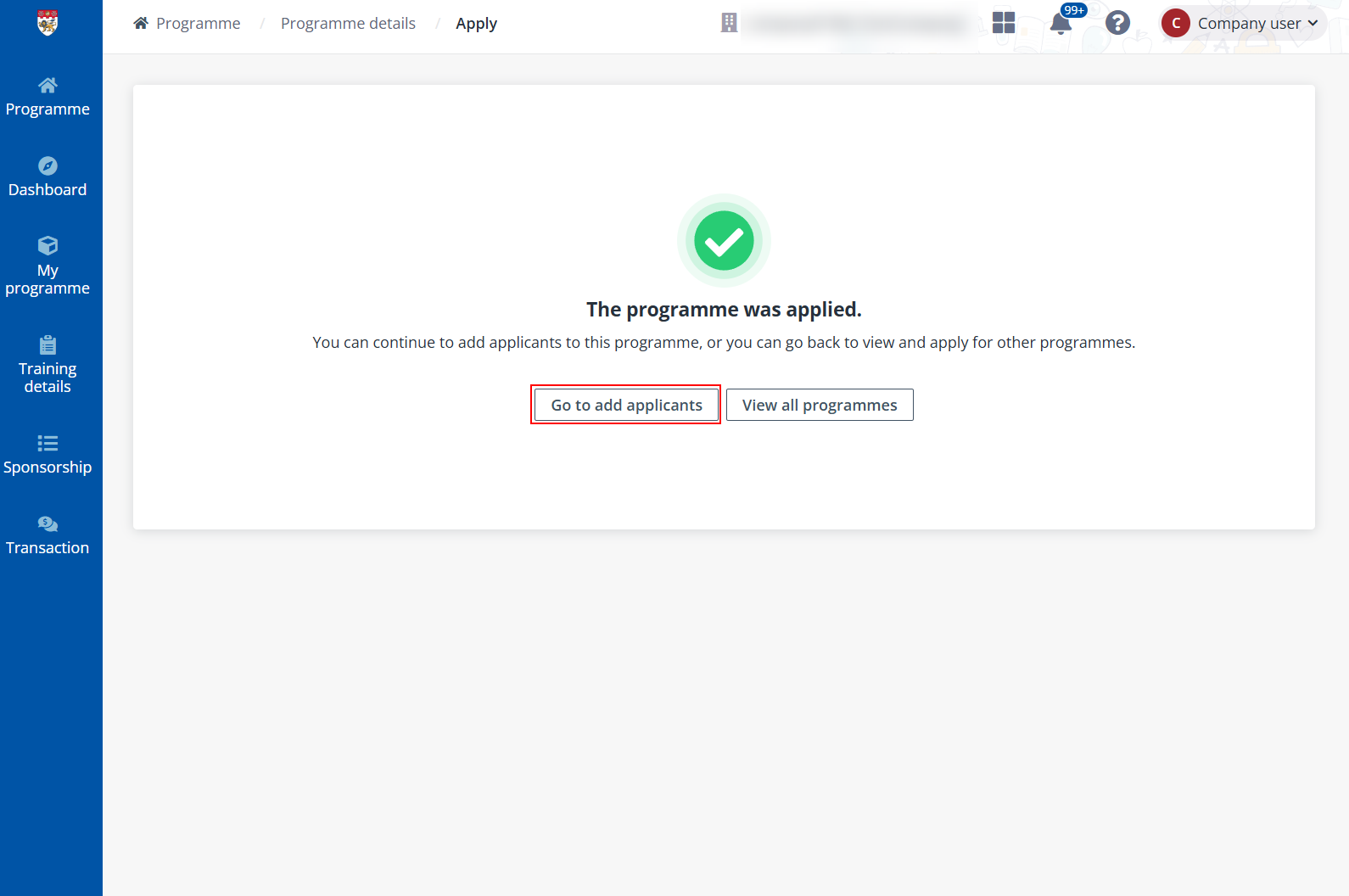
If you have the information and the list of employees to sponsor for the programme, you can upload their information in bulk to submit them as programme applicants.
To bulk submit applicants, complete the steps below:
1. Click My programme on the left navigation pane. In the Corporate programmes or Public programmes tab, select the programme to bulk submit applicants to.
2. Click Submit applicant list.
3. In the Bulk submit applicants panel, click Add applicant and fill in the applicant’s information. Repeat this step to add multiple applicants.
You can also import applicants in bulk. Click Import and complete the required information in the downloaded template. After the file is uploaded, click OK to add the applicants to the list.
4. After you complete adding or importing applicants, click Save to bulk submit the applicants.
*Note: Once the applicants are submitted, they’ll receive an email notification with the programme application link to complete their applications.