As a learner, you can find programmes of your interested
topics and apply for them. To apply for a programme, refer to the following
instructions:
I want to apply for programmes
To apply for a programme, complete the following steps:
1. In the learner
portal, click Home on the left navigation pane to access the programme
catalogue where you can view all programmes.
2. Locate a
programme that is open for application, and then click the programme card.
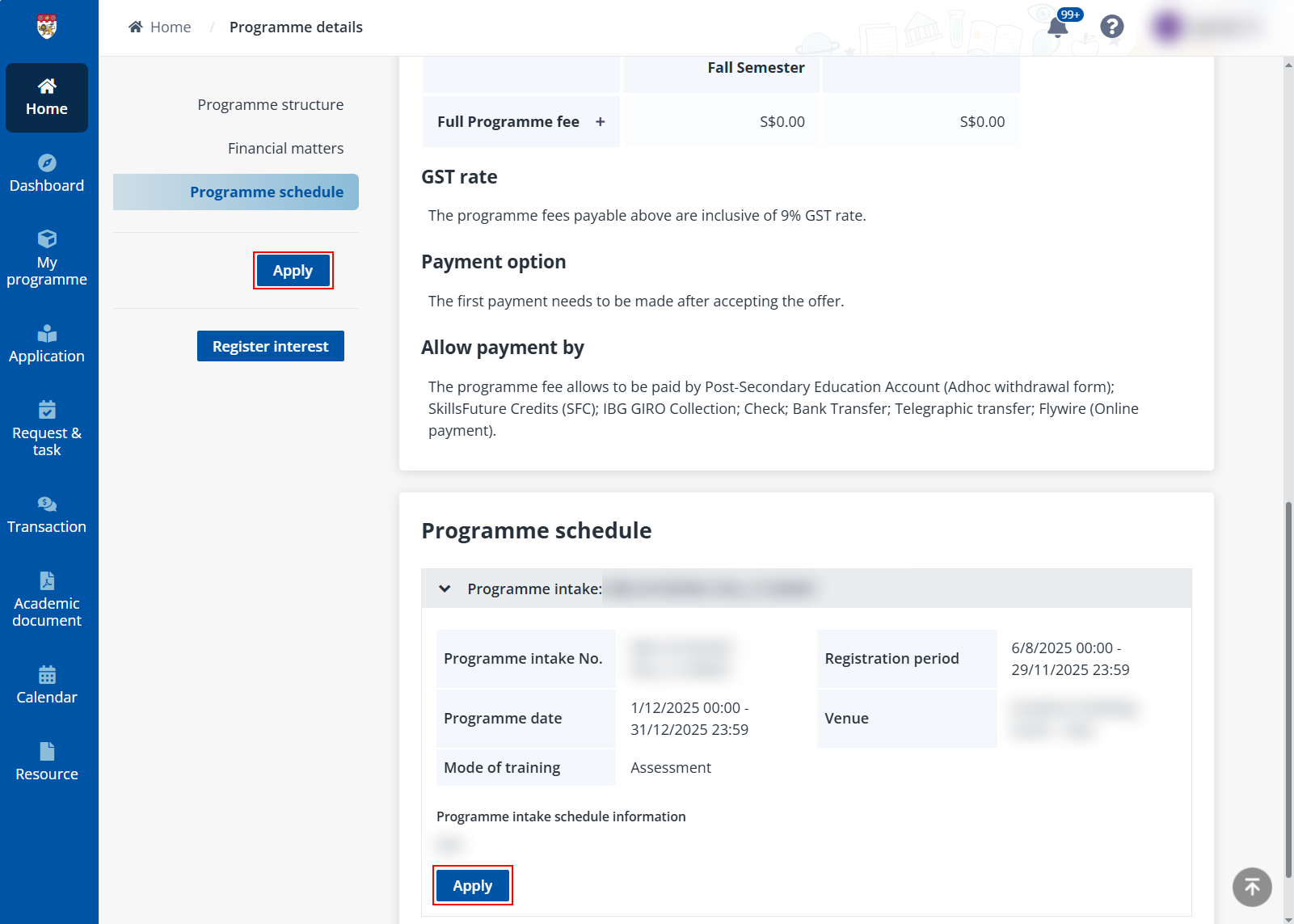
3. On the
Programme details page, click Apply. This brings you to the Application
form.
If you have not signed up or signed in to the system, a
window will appear with a Sign in button. Click the button to proceed
with the sign-up/sign-in process and you will be redirected back to the
Programme details page upon completion. For more details on
sign-up/sign-in, refer to Register as a learner.
Before applying for the programme, you can click Inquire
funding in the Financial matters section to see if there is any
available programme funding for you.
A programme administrator or my company applied on
my behalf
Besides applying for programmes and programmes by yourself,
your coordinator or company may apply for programme on your behalf. If you are
required to provide your application information, review declaration forms, or
do the application submission during the process, you will receive an email
notification containing the application link.
Additionally, your company might provide you with a programme
application link to complete the application process by yourself.
In these cases, click the link to access and follow the steps
to complete the application. For details on completing the application form,
refer to Application form.
*Note: If you exit the process halfway, always use the
link to bring you back to the application.