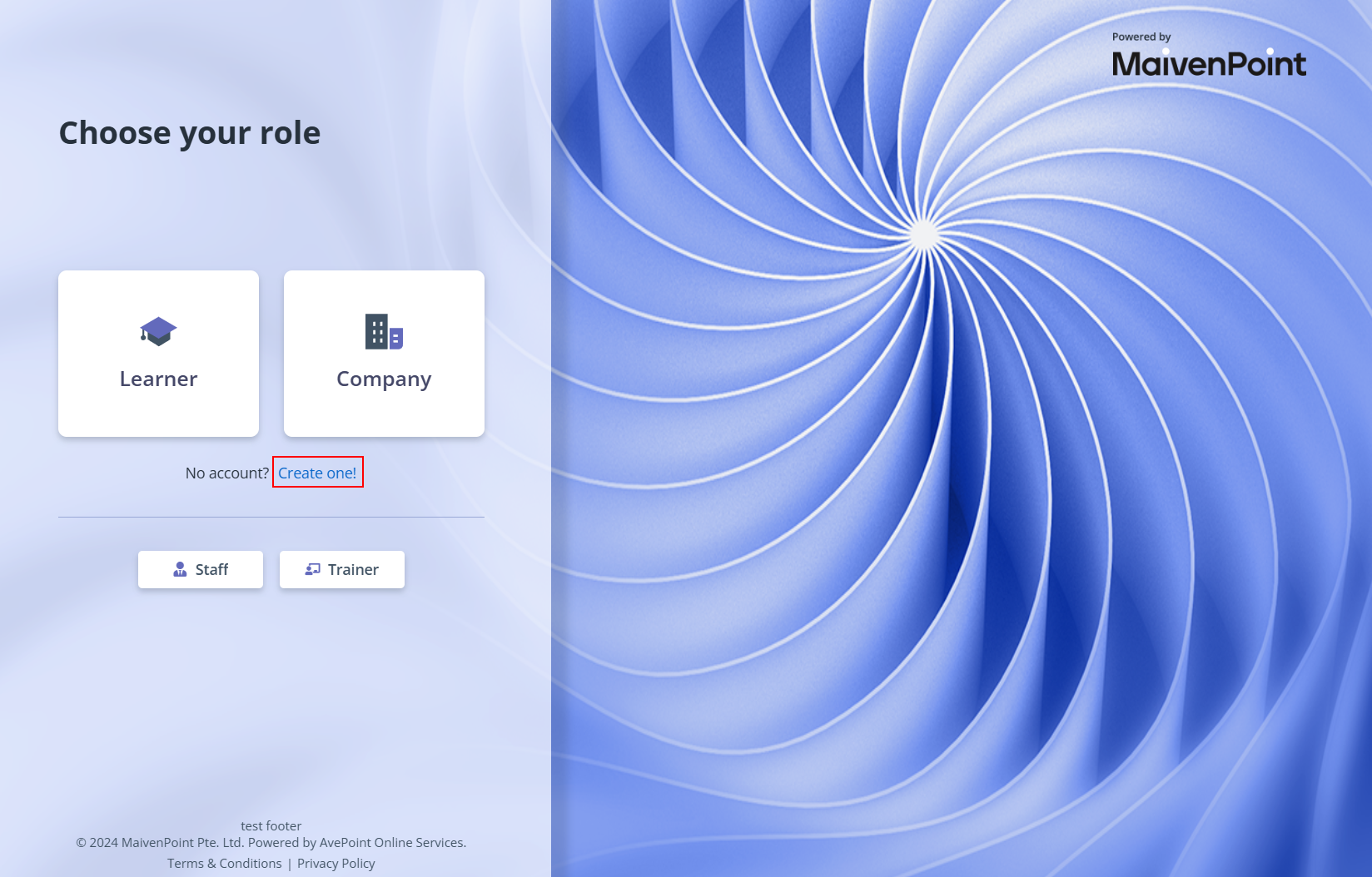
As a learner, you can apply for programmes that you are interested in and manage comprehensive academic information.
To register as a learner, click Sign in in the upper-right corner of the programme finder, and then refer to the instructions in the sections below.
To sign up a local account, refer to the following steps:
1. On the sign-in page, click here at the bottom of the page.
2. On the Choose your role page, choose Learner.
3. On the Register as a Learner page, fill in your information. Make sure to complete all mandatory fields.
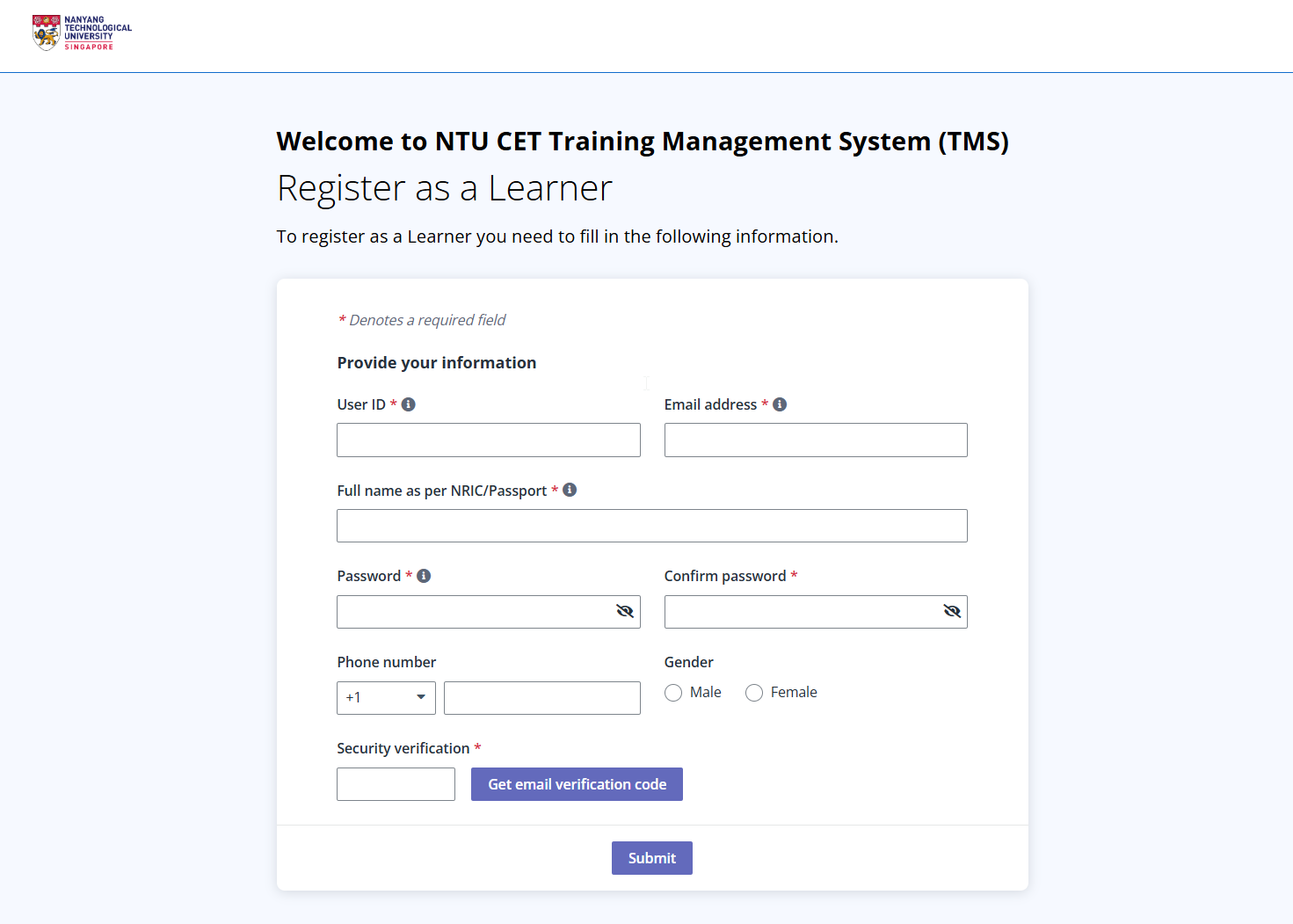
*Note: For educators from MOE, official MOE email addresses must be used for your local account registration.
4. Click Get verification code. The verification code will be sent to the email address you entered. Fill in the Security verification field with the code, and then click Submit.
5. Your account is signed up successfully. Now, you can click Sign in and sign in to the learner portal with your credentials to start your learning journey.
6. Upon first sign-in to the learner portal, the Complete your profile message appears. Click manually update in the message to complete the profile.
7. Fill in information in Applicant details and click Submit once completed.