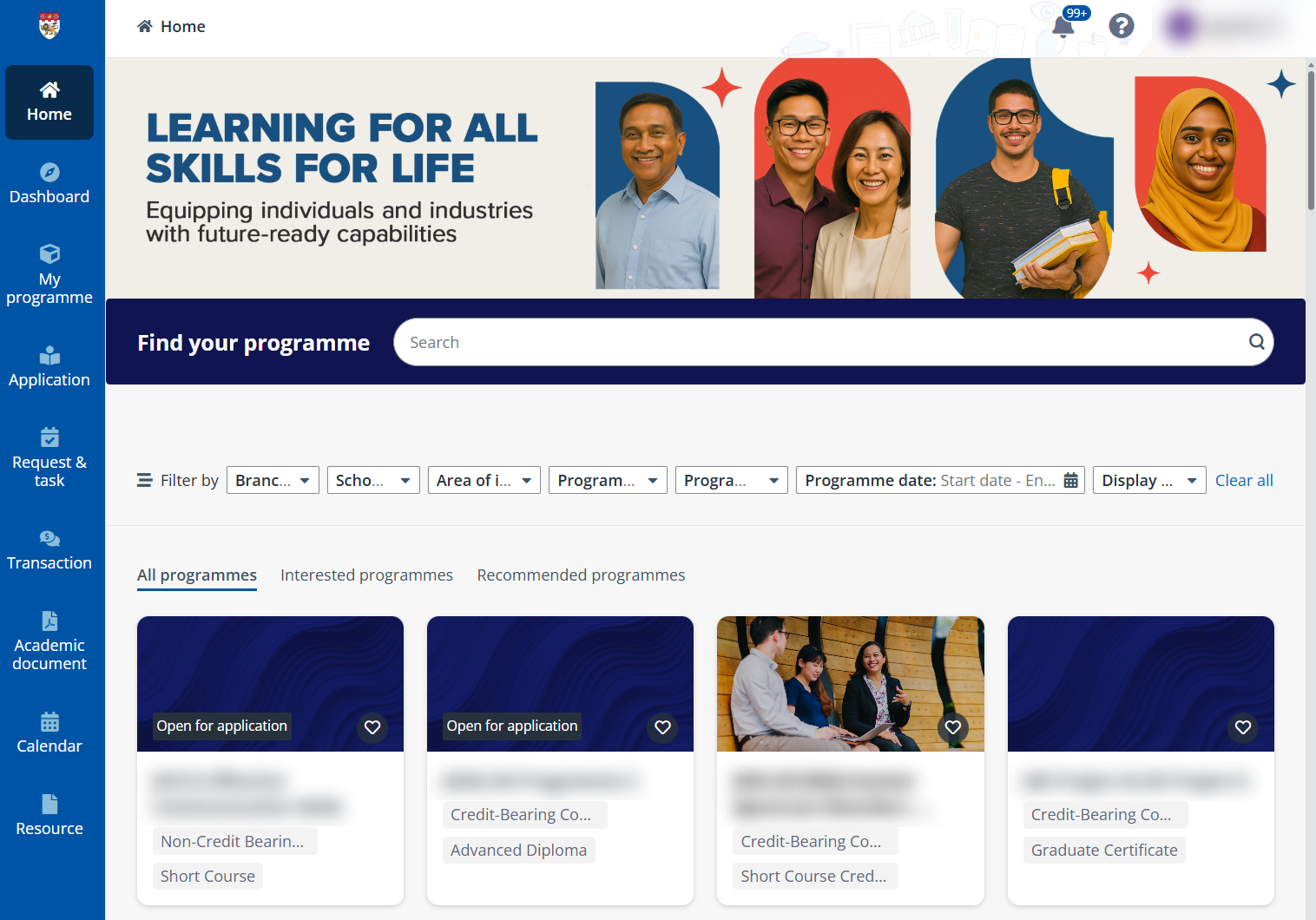
All programmes are listed on the Home page of the learner portal.
Click Home on the left navigation and you can find a programme by using the search box above the programme catalogue or using the filters.
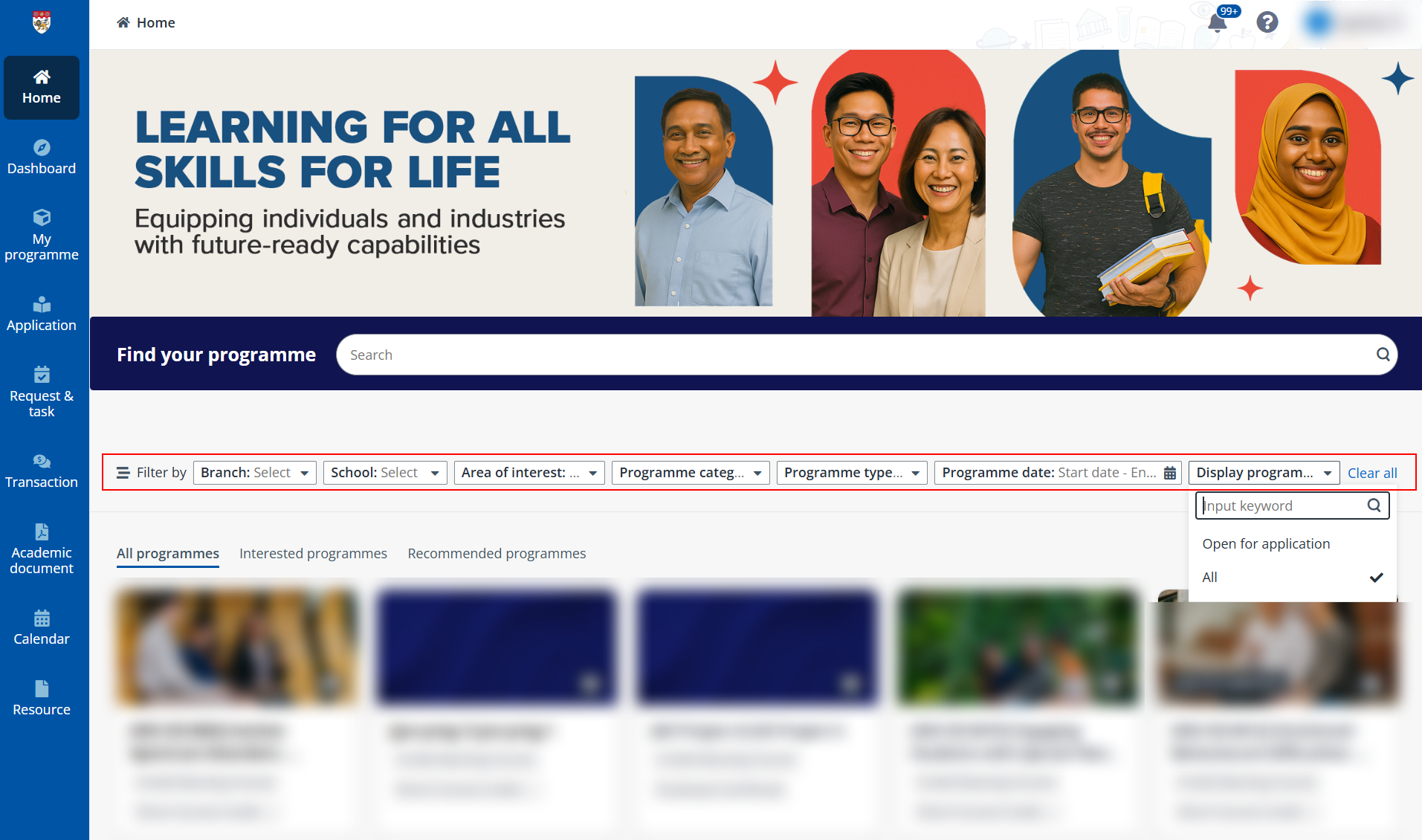
You can also perform the following operations:
•Register interest – For programmes that you are interested in, you can also click the heart icon on the programme card to register your interest and receive notifications of the programme when it is open for application or when a new intake of this programme is open for application. The registered courses will be listed in the Interested programmes tab for your easier access.
If you are not interested in the programme anymore, click the heart icon again and it will be removed from the Interested programmes list. Programme notifications will also be unsubscribed.
•Check recommended programmes – Based on your interest, a list of recommended programmes will be generated for you. To see the programmes, click Recommended programmes tab.
•See programme details – Click a programme card in the catalogue, you will be navigated to the programme details page where you can find more information about the programme objectives, schedule, financial matters, and even trainer information. On the same page, you can also proceed with your programme application. For more details on applying for a programme, refer to Apply for programmes.