My programme provides a place where learners can view
their academic information including programme details, class session
timetables, assessment information, and academic documents.
To view details of your programmes, refer to the following
sections:
View programme details
To view programme details, follow the steps below:
1. Click My
programme on the left navigation pane. All programmes with different
statuses that you have been enrolled in are listed.
2. Locate the
programme you want to view and click the programme card.
3. On the
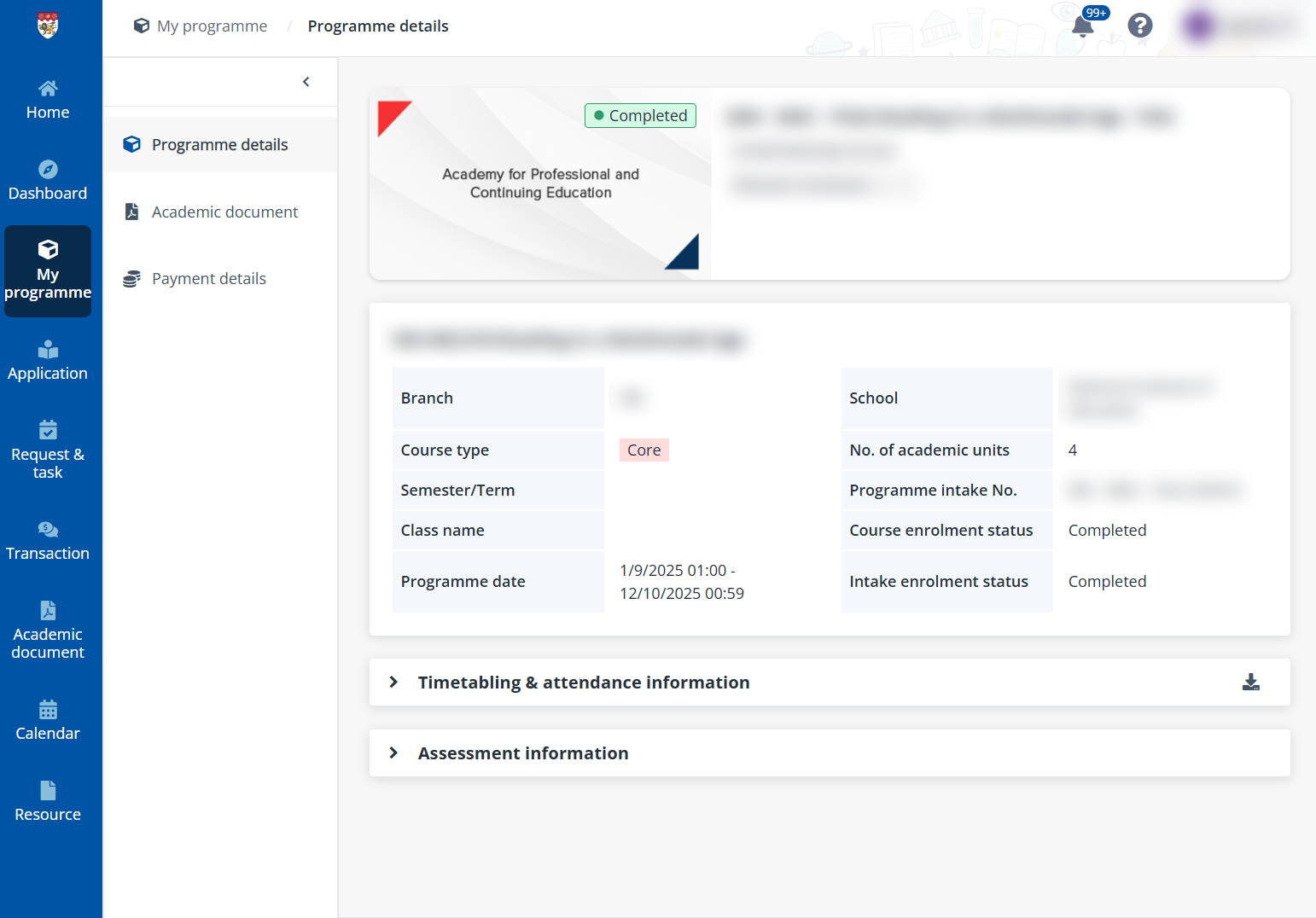
Programme details page, you can see all courses in the programme.
4. In Programme
details, locate the course you want to view, and then click the course
name.
5. On the Course
details page, you can see the course information, timetabling &
attendance information, and assessment information.
If you want to download the attendance records for more
information, click Download in the upper-right corner of the
Timetabling & attendance information section.
View academic documents
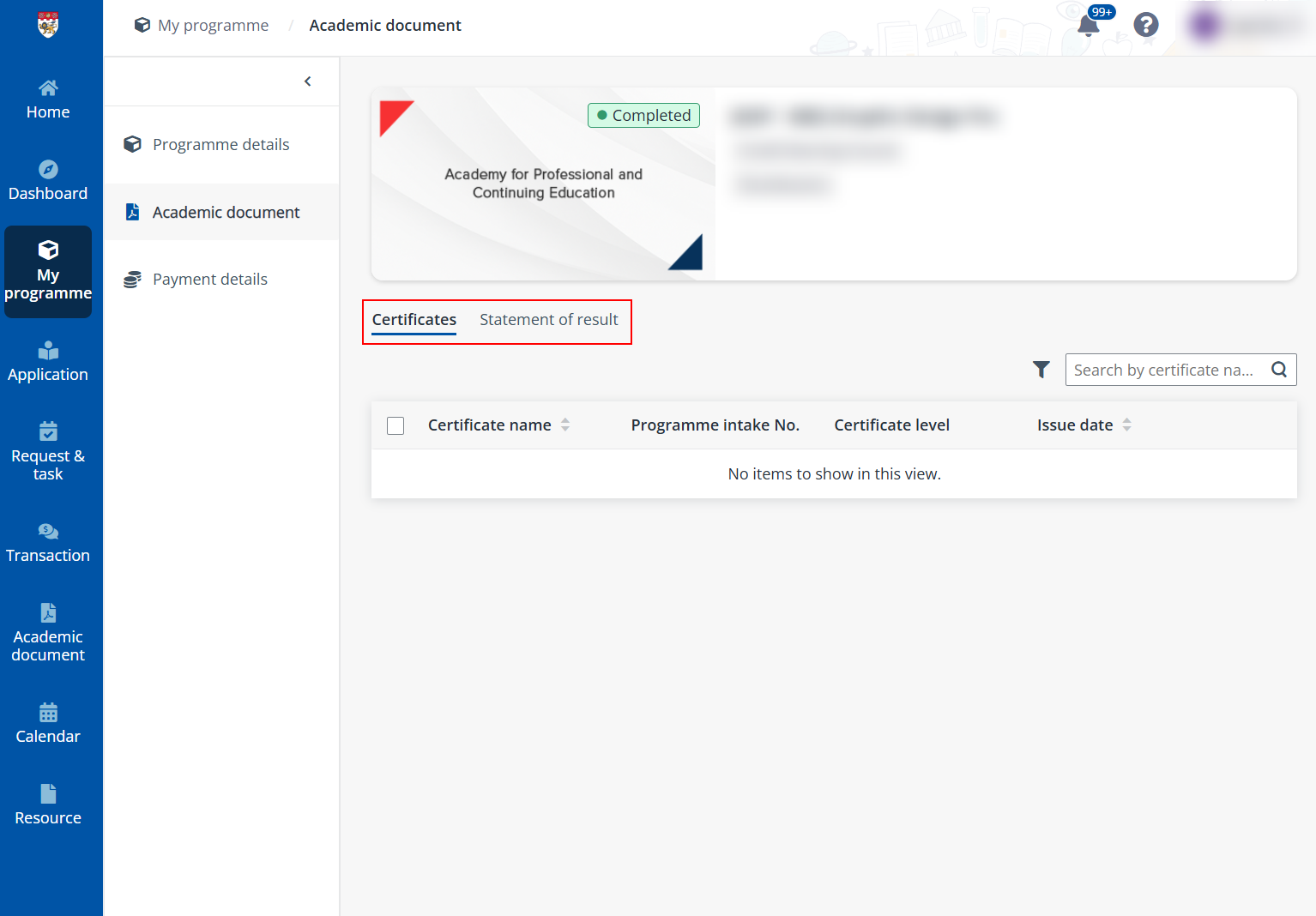
Academic document provides a place for learners to see
all academic documents that they have obtained for the programme in the
following tabs: Certificates and Statement of result.
•
Certificates – View and manage all obtained certificates for the
programme.
•
Statement of result – View and manage all obtained
e-transcript/statement of result for the programme.
To view an academic document, click the document name to
download the document to your local device.
View payment details
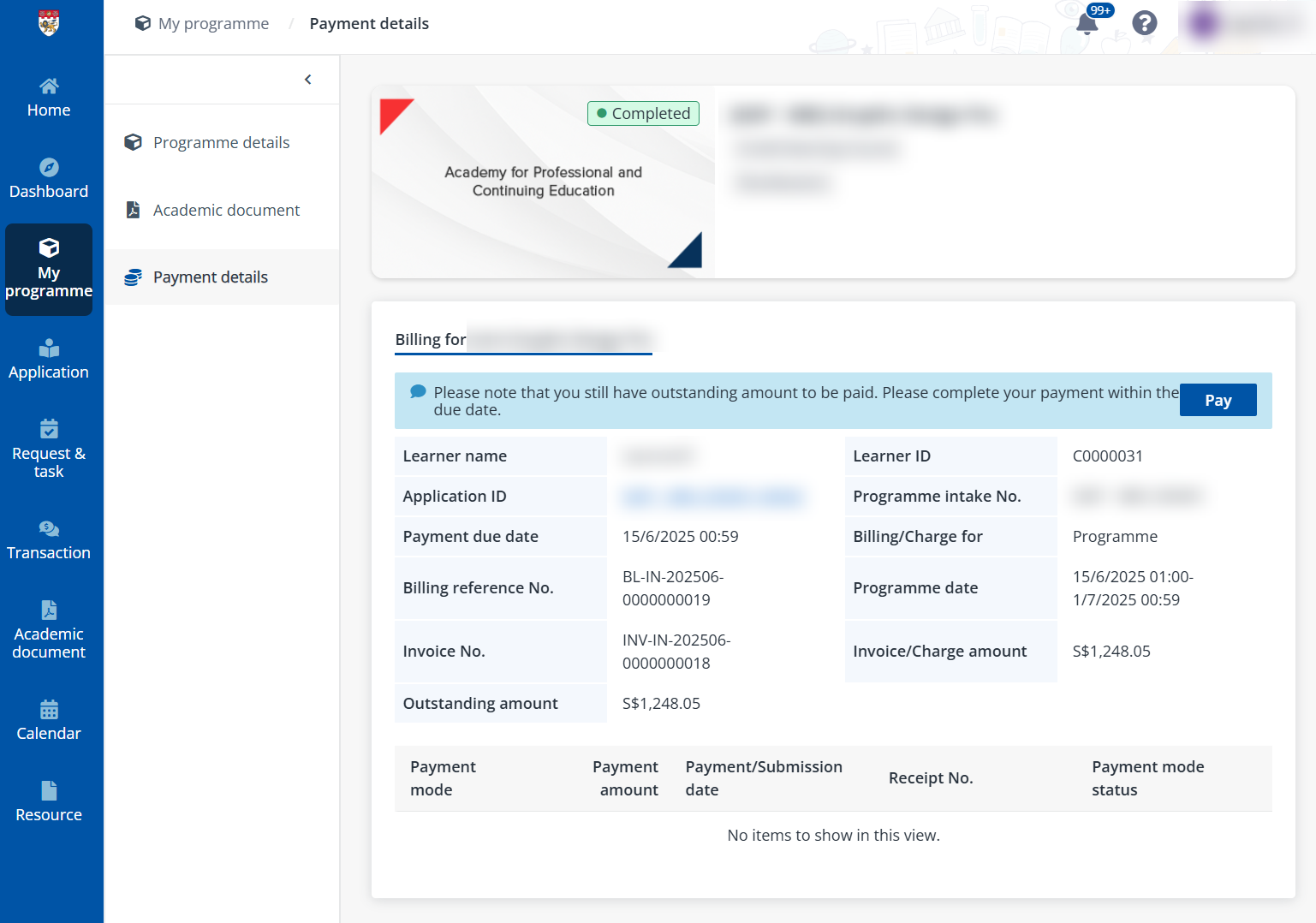
In Payment details, you can view the billing
information of the programme. If the programme has outstanding fees, you will
see a reminder message and can complete the payment by clicking Pay. The
payment items are listed in different tabs and grouped by terms.