|
LOA (Leave of absence) for sessions |
You are not able to attend a session. |
You will remain enrolled to the course and programme.
The attendance status of the requested session will be Approved
absence.
The attendance status can be found in My
programme > Programme details > Timetabling &
attendance information. |
|
LOA (Leave of absence) for assessments |
You are not able to attend an assessment. |
You will remain enrolled to the course and programme.
The attendance status of the requested assessment will be Approved
absence.
The attendance status can be found in My
programme > Programme details > Timetabling &
attendance information. |
|
Programme transfer |
You want to transfer to another programme
intake. |
The enrolment status of the programme intake will be
Transferred, while the status of the intake you’ve been transferred
to will be Enrolled.
The status can be found in My programme >
Programme details. |
|
Course exemption/credit transfer |
You are eligible for course exemption or credit
transfer. |
The enrolment status of the course will be Granted
exemption or Granted credit transfer.
The status can be found in My programme >
Programme details. |
|
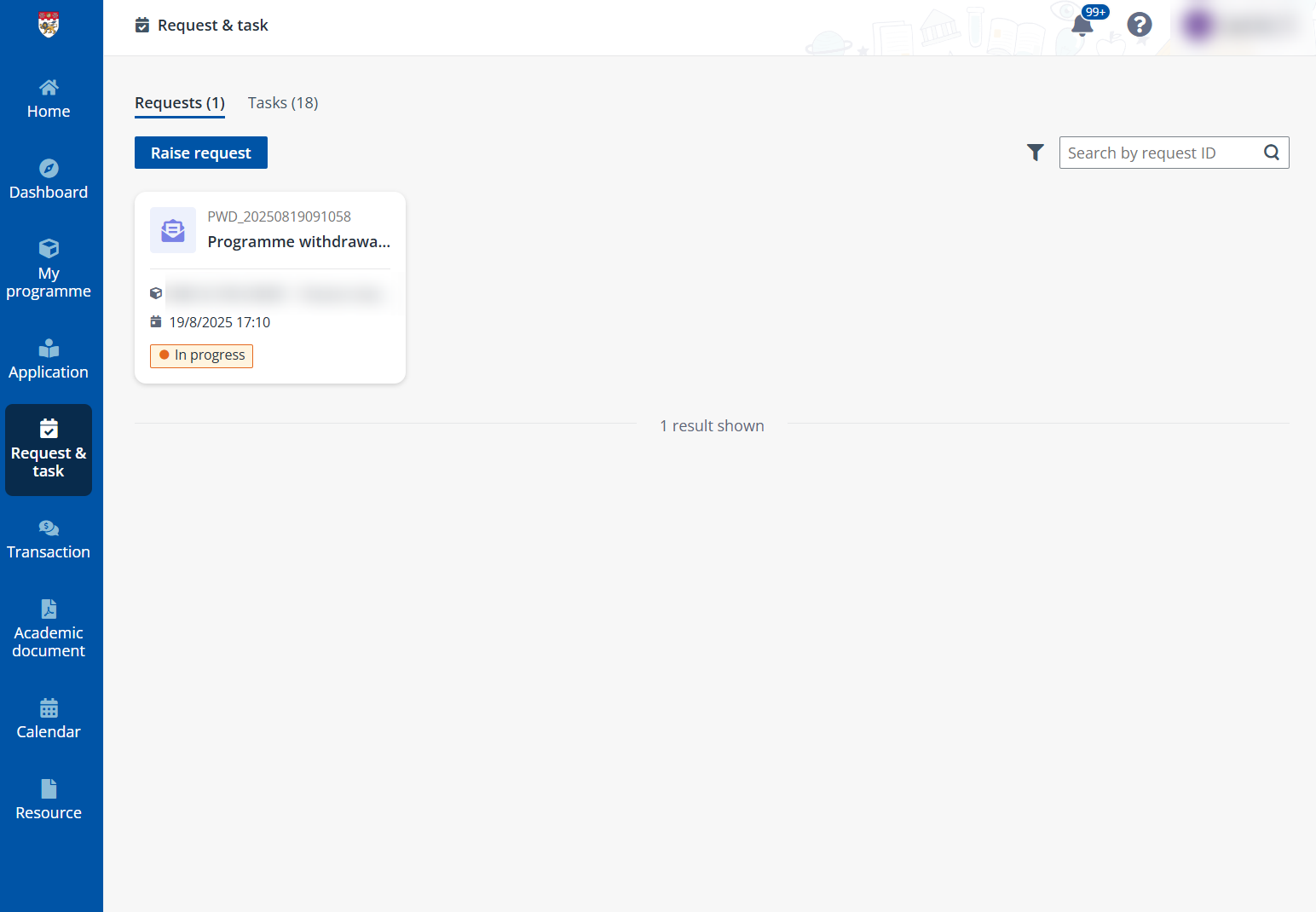
Programme withdrawal |
You want to withdraw and de-register from a programme
intake and all its registered courses. |
The programme enrolment status will be Withdrawn
and the application status will be Cancelled.
The programme enrolment status can be found in My
programme.
The application status can be found in
Application. |
|
Course withdrawal |
You want to withdraw a course in a programme but remain
enrolled to the programme. |
The application and programme enrolment status will
remain unchanged while the course enrolment status will be
Withdrawn.
The course enrolment status can be found in My
programme > Programme details. |
|
Grade review |
You want to request review for the course grade. |
There will be no status changes but the new grade will
be reflected in the assessment result.
The grade can be found in My programme >
Programme details > Assessment information. |
|
Company sponsorship approval |
You want to request for sponsorship from a
company. |
There will be no status changes. Once approved, the
request status will be Completed and you will receive system
notification that can be checked in My profile >
Notification. |