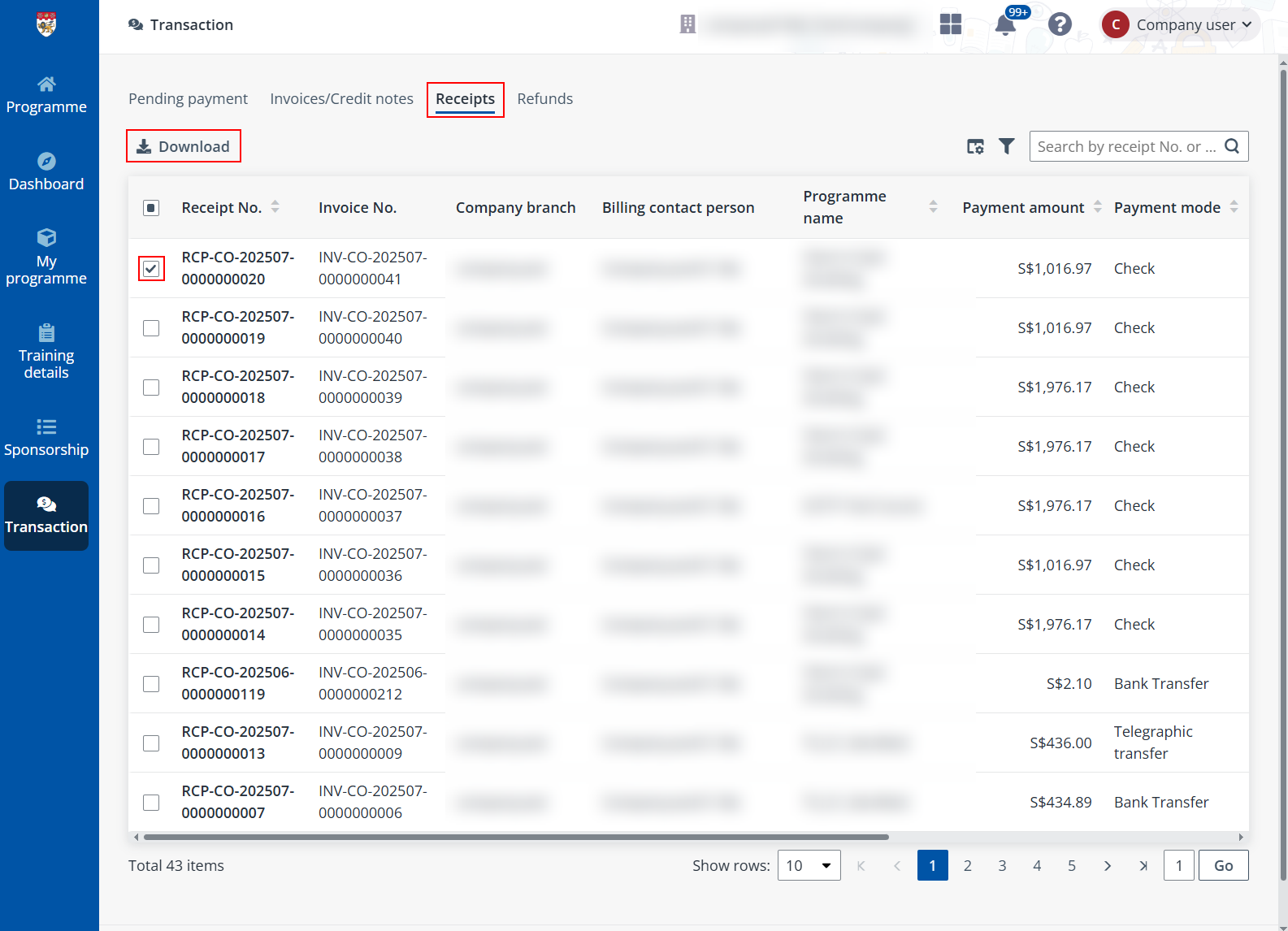
To view and download the receipts of your completed payments, go to the Receipts tab and complete the following steps:
1. Select one or more receipts to download.
2. Click Download above the table. If you are downloading one receipt, you can also hover your mouse over the receipt record and click the Download icon.
3. The receipts will be downloaded to your local device.