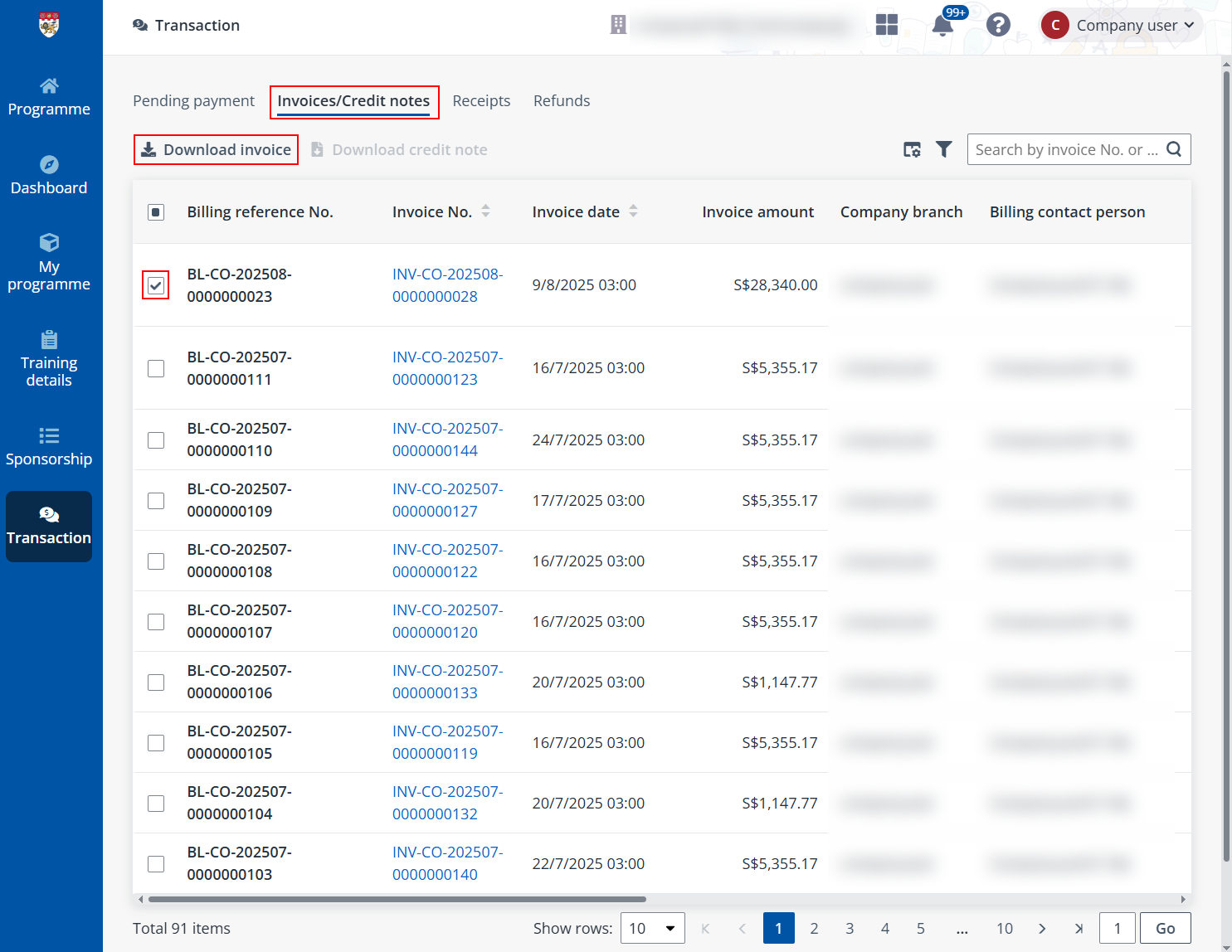
After payments are completed, you can go to the Invoices/Credit notes tab to check and download the invoices issued for the payments you made.
To views and download an invoice, complete the following steps:
1. Filter the invoices whose Billing status is Issued.
2. Click the invoice No. of a filtered or select the invoice and click Download invoice above the table. A PDF file of the invoice will be downloaded to your local device.